
Without Slowing Your Growth
Learn Smarter • Build Strong Foundations • Become Industry-Ready
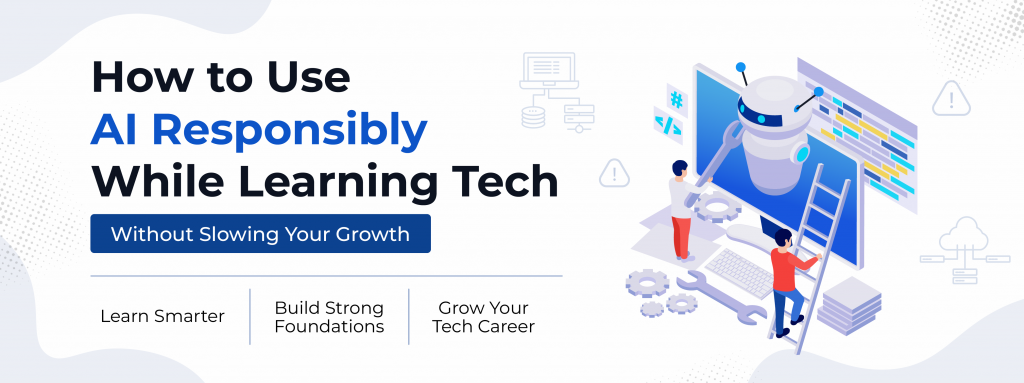
AI tools like ChatGPT and GitHub Copilot have become a normal part of learning to code. Today, beginners can instantly generate code, get explanations, and debug errors with just a few prompts.
For aspiring developers entering a Tech Career Program or exploring a future in software development, AI can feel like a huge advantage. Learning becomes faster, more accessible, and less intimidating for beginners entering the tech industry.
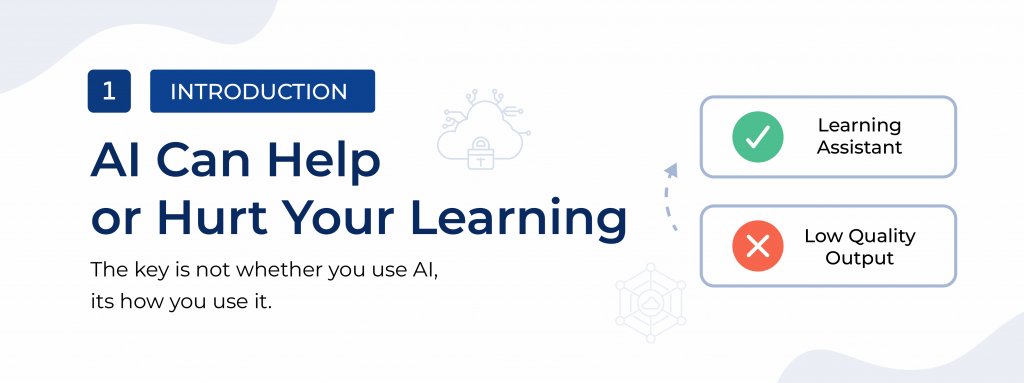
But while AI can speed up your learning, it can also slow your real progress if used incorrectly.
The key is not whether you use AI—it’s how you use AI responsibly while learning tech skills.
Used well, AI becomes a powerful learning assistant. Used poorly, it can create shallow understanding and weak coding foundations that may hurt your long-term growth in an Industry-Ready tech career.
Why Beginners Are Using AI to Learn Programming
Many aspiring developers now use AI tools daily because they offer:
- Instant explanations of coding concepts
- Quick code generation
- Easy debugging support
- Beginner-friendly learning assistance
For students enrolled in a Software Engineering Academies or an Employment-Focused Coding Course, AI tools can help simplify difficult topics and make technical learning more approachable.
Even experienced developers use AI to improve productivity. In modern development environments, learning how to work alongside AI is quickly becoming part of being an Industry-Ready professional.
However, problems begin when learners rely on AI too heavily and skip the actual process of understanding code.
This often creates a false sense of progress—you may complete projects quickly, but struggle to explain your solutions during interviews or real-world development work.
Common Mistakes Beginners Make When Using AI
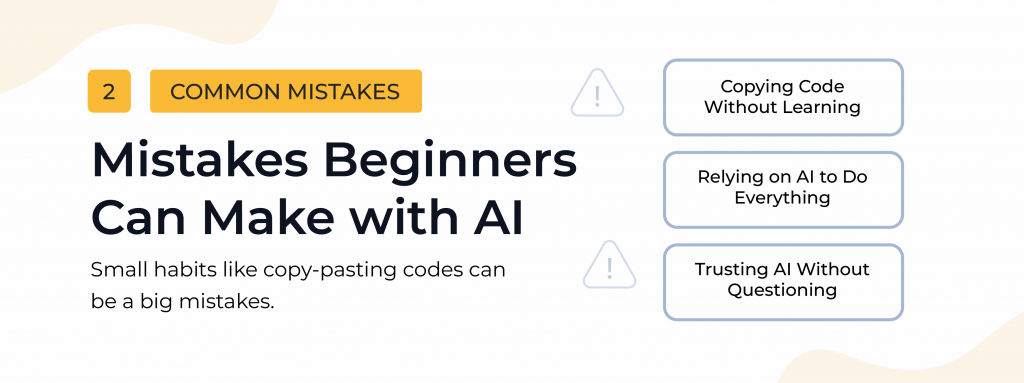
Copying Code Without Understanding It
One of the most common mistakes beginners make is copying AI-generated code without understanding how it works.
While this may help you finish tasks faster, it weakens the problem-solving skills needed in real software development roles.
In many technical interviews, employers look for candidates who can explain their thinking process clearly—not just produce working code.
This is why strong foundations matter in any Job-Ready Tech Training environment.
Relying on AI to Do Everything
Asking AI to “build a full website” or complete entire projects may feel productive, but it removes one of the most important parts of learning: problem-solving.
Real growth happens when you work through challenges yourself.
Whether you’re studying through a Fast-Track Program, an Advanced Tech Academy, or a Full-Stack Web Development Path, the goal should be understanding how systems work—not simply generating outputs quickly.
Trusting AI Without Questioning It
AI-generated answers are not always correct. Some outputs may include outdated coding practices, inefficient solutions, or incorrect logic.
Without critical thinking, beginners may accidentally develop poor programming habits early on.
That’s why responsible AI usage should always be paired with Hands-on Learning and active practice.
How to Use AI Responsibly While Learning Tech
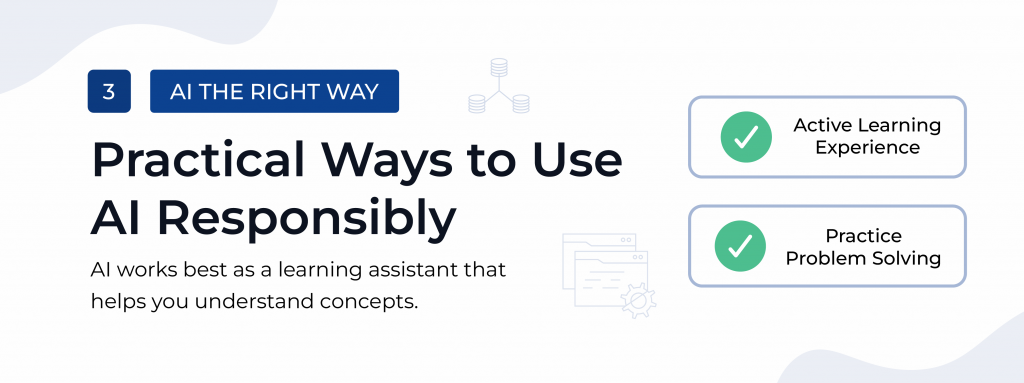
The goal is not to avoid AI—it’s to use it in a way that strengthens your understanding and supports long-term growth.
Use AI to Understand Concepts, Not Just Get Answers
Instead of asking:
“Give me the final code.”
Try asking:
“Can you explain how this works in simple terms?”
This helps you build deeper understanding instead of relying on memorization.
In many Instructor-Led Coding Program environments, learners are encouraged to focus on understanding logic before jumping to complete solutions.
Try Solving Problems Before Asking AI
Before using AI, attempt the problem yourself first—even if you don’t finish it completely.
This develops analytical thinking and strengthens your ability to solve unfamiliar problems independently.
Strong problem-solving skills are one of the most important outcomes of effective Intensive IT Training.
Use AI for Debugging and Learning From Mistakes
AI works best as a guide during the learning process.
Instead of replacing your work, ask:
“What’s wrong with my code and why?”
This allows you to learn from mistakes while improving your understanding of programming concepts.
This type of Supported Digital Learning helps beginners become more confident and independent over time.
Practice With AI Instead of Just Asking for Solutions
You can turn AI into a learning partner by asking it to:
- Generate coding exercises
- Create mock interview questions
- Review programming concepts
- Simulate technical assessments
This creates a more active learning experience and reinforces the practical skills needed in real development work.
The 3-Step Rule for Responsible AI Learning
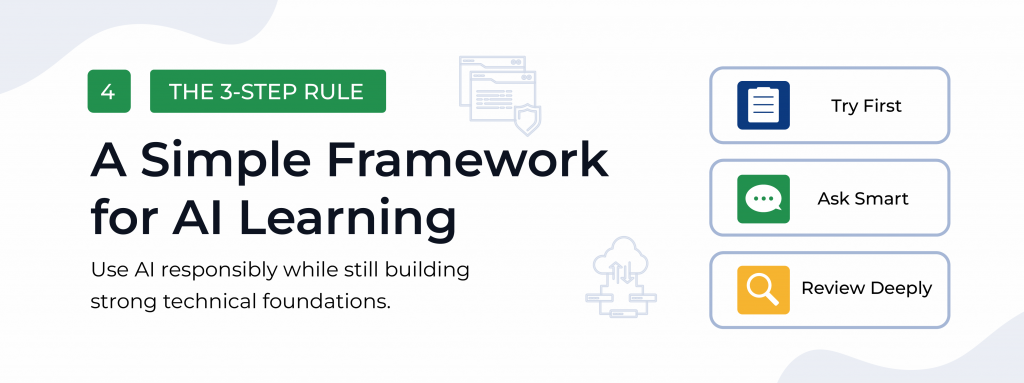
A simple way to use AI responsibly while studying programming is to follow this three-step approach:
1. Try First
Attempt to solve the problem independently before asking AI.
2. Ask Smart
Use AI for guidance, hints, and explanations—not instant full solutions.
3. Review Deeply
Make sure you understand why the solution works and how you can apply it again later.
If you cannot explain your own code clearly, there is still more to learn.
Why Responsible AI Use Matters for Your Tech Career
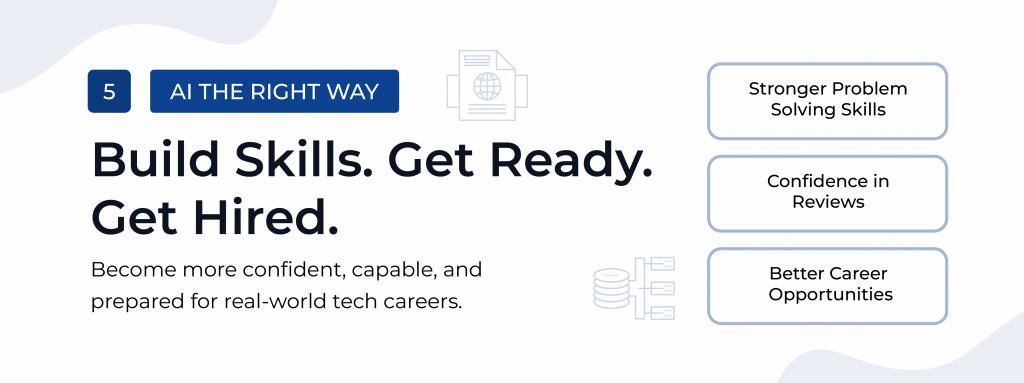
Learning how to use AI responsibly is no longer optional for aspiring developers. As AI becomes more common in the tech industry, employers are looking for professionals who can use these tools effectively while still thinking critically.
In real-world development roles, you will still need to:
- Solve problems independently
- Explain your code clearly
- Adapt to new technologies
- Collaborate with development teams
This is why many modern Career Acceleration Program models focus not only on technical skills, but also on building strong learning habits and problem-solving ability.
Using AI responsibly helps you become more confident, adaptable, and truly Industry-Ready.
Start Building Real Tech Skills the Right Way
AI is a powerful tool, but real growth still comes from practice, consistency, and understanding how technology works.
The best learning environments combine AI tools with:
- Hands-on Learning
- Structured guidance
- Real-world projects
- Guided Tech Mentorship
- Continuous feedback and Career Assistance
Programs like Zuitt’s Tech Career Program are designed to help beginners develop practical coding skills through an Instructor-Led Coding Program focused on real-world application.
Through Complete Full-Stack Development training, students gain experience building projects, strengthening problem-solving skills, and preparing for the demands of modern software development careers.
Because in the end, the goal is not just to finish coding exercises faster.
It’s to become an Industry-Ready developer with the confidence and skills to succeed in a real tech career.